











Opening a BetKing account is the first step before you can place bets, use eligible promotions, or track your betting history. Registration takes only a few minutes, and you can complete the process from a desktop browser or smartphone. Once your account is active, you can access sports markets, live betting, and account management tools. You must be 18+ to register.
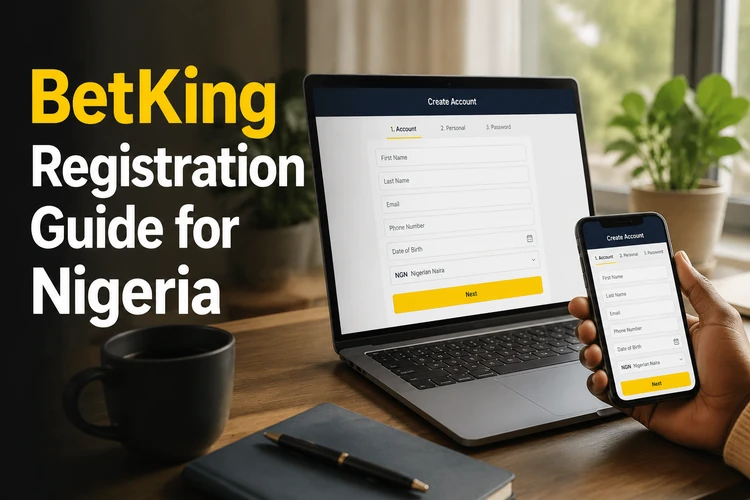
How BetKing Registration Works
The registration process follows a straightforward sequence. You complete a short form with the personal details requested on screen, create login credentials, and review the information before submitting it. These details may be used to confirm your identity and protect the account, so check every field for spelling or number errors.
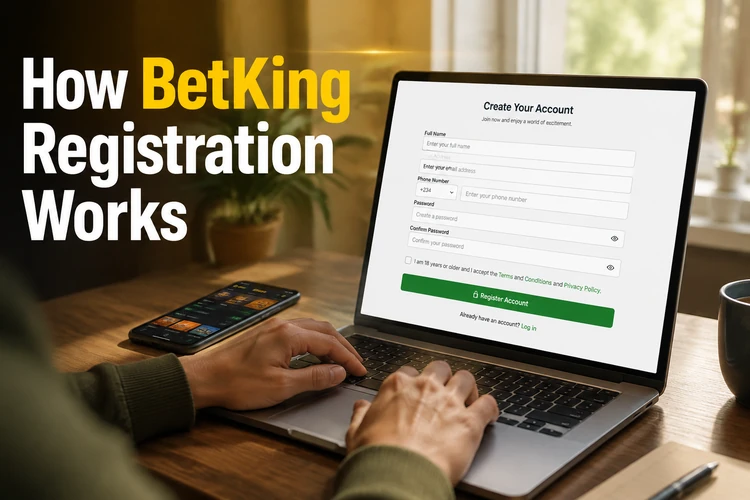
The form may request your full name, date of birth, email address, phone number, and a password. Enter information that matches your official records and avoid using another person's contact details. After submission, follow any confirmation instructions sent to the phone number or email address you provided. Do not share a verification code with anyone.
Creating a BetKing Account Online
You can register directly through a modern web browser without downloading additional software. Open the registration form on this website and complete the fields shown. Desktop users will see a wider layout, while the page adjusts to smaller screens for visitors using a phone or tablet.
Check your email address and phone number before submitting because they may be needed for account recovery and security messages. Create a password that is difficult to guess and is not used for another service. Once your details have been accepted and any required confirmation is complete, you can log in to your account with the credentials you created.
Mobile Registration
BetKing registration can be completed through supported browsers on Android and iOS devices. A native app is not required for this step because the mobile version of the site provides access to the registration form. If you later prefer dedicated software, review the installation information on the BetKing app page.
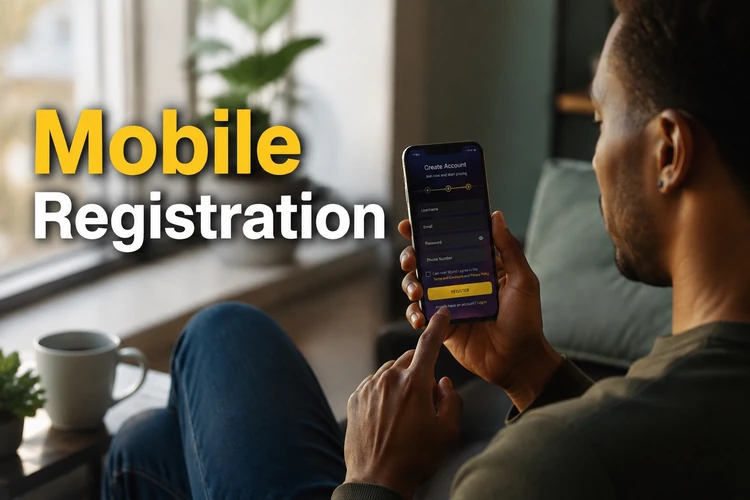
On mobile, tap each field and enter the requested information carefully. A stable connection helps prevent the page from refreshing before submission. If the form does not load correctly, update the browser, close unnecessary tabs, or retry on a reliable network. Avoid registering over an unsecured public connection, especially when entering personal details.
Registering with a Phone Number
An active Nigerian phone number may be required during registration. It can be used for account confirmation, security alerts, and password recovery. Enter the number in the format requested by the form and check every digit before continuing. If an SMS code is sent, use it only on the official page and never disclose it to another person.
The phone number may become a primary identifier for your account, so keep the SIM accessible. If your number changes, review your profile settings or contact support to learn how to update it. Making the change early can prevent delays when you need to recover your password or complete an identity check.
Accessing an Existing Account
If you already have an account, there is no need to register again. Enter the accepted username or phone number together with your password on the login page. If you cannot remember the password, use the recovery option and follow the instructions sent to your registered email address or phone number.
Keep your profile information current so that recovery messages reach you. After logging in, review your email address, phone number, and other personal details in the account settings. Some sensitive changes may require additional confirmation. Use a unique password, do not save it on a shared device, and sign out when using a computer that belongs to someone else.
If you previously used an older mobile interface, try signing in through the current platform rather than creating another account. Saved bookmarks can become outdated when pages change. When recovery options no longer reach your registered contact details, customer support can explain the official process for restoring access.
Account Management and Responsible Gaming
Once registered, the account dashboard allows you to review personal details, betting activity, transactions, and communication preferences. Check your information before making a withdrawal because an identity review may be required. Never alter personal details simply to match a payment method belonging to someone else.
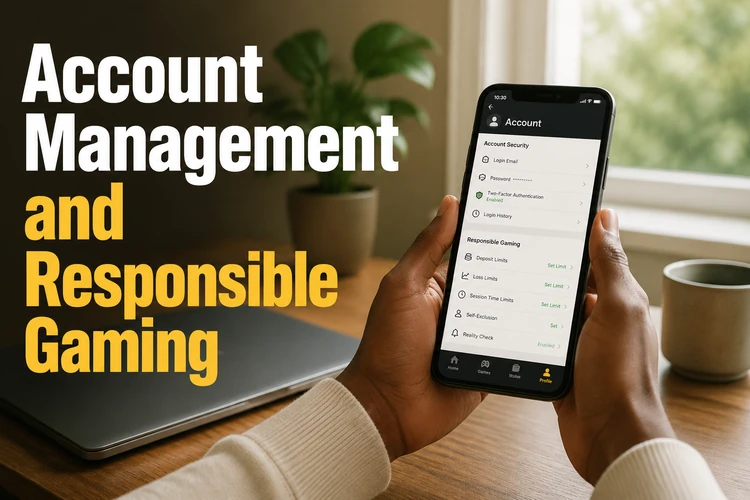
Responsible gaming controls can help you manage your activity. Available options may include setting limits, taking a temporary break, restricting access, or requesting account closure. Use the official account settings or support channels for these requests rather than third-party tools. Further guidance is available on the responsible gambling page.
Never share your password, recovery code, or verification message. If you notice an unfamiliar login or account change, stop using the account and contact support promptly. The team can also help with registration errors, verification problems, inaccessible contact details, and restriction requests through the contact page.
FAQ
The form may request your full name, date of birth, an active Nigerian phone number, email address, and a password. Enter accurate information that matches your records because some details may be checked during account verification or before a withdrawal.
Yes. You can complete the registration form through a supported browser on an Android or iOS phone without installing an app. Use a stable, private connection and check all contact details before submitting the form.
Your phone number may be used for account confirmation, security alerts, and password recovery. Keep the number active and update your account through official support if your contact details change.
Use the password recovery option on the login page. Follow the instructions sent to your registered email address or phone number, then create a new password that you do not use on another service.
Review the responsible gaming controls in your account settings or contact customer support. Depending on the available options, you may be able to set limits, take a temporary break, restrict access, or request permanent closure. Use only official channels.
No. Try to sign in with your existing credentials or use the password recovery feature. If you no longer have access to the registered phone number or email address, contact support for help restoring the account instead of creating a duplicate.